
Download Remotr Streamer – PC game streaming, mobile gaming, remote play, game controller, Android app, iOS app, Windows Phone app
Overview
Remotr Streamer is a specialized mobile application designed to bridge the gap between desktop gaming and mobile convenience. It enables users to stream video games installed on their personal computers to Android, iPhone, and Windows Phone devices, transforming smartphones and tablets into portable gaming consoles. The app functions as a remote interface, allowing users to play their favorite PC titles from anywhere within their local network, provided a stable Wi-Fi connection is available. This capability is particularly valuable for gamers seeking flexibility, whether they're relaxing on the couch, traveling, or simply prefer a more portable setup. The application targets PC gamers who own compatible mobile devices and want to extend their gaming experience beyond the traditional desktop environment. It also appeals to users who value convenience and versatility in their entertainment tools. By leveraging the processing power of a PC while using a mobile device as both display and controller, Remotr Streamer offers a hybrid gaming solution that combines performance with mobility. The developer, Remotr, appears to focus on creating accessible remote gaming experiences without requiring high-end hardware on the mobile side. Real-world use cases include streaming games during travel, playing on a tablet while seated away from the computer, or using a mobile device as a secondary screen for multiplayer sessions. In the broader app ecosystem, Remotr Streamer fills a niche for remote play utilities, offering a streamlined alternative to more complex or hardware-dependent solutions. Its emphasis on ease of setup and broad platform support enhances its accessibility and relevance in today’s mobile-first gaming culture.Key Features & Functionality
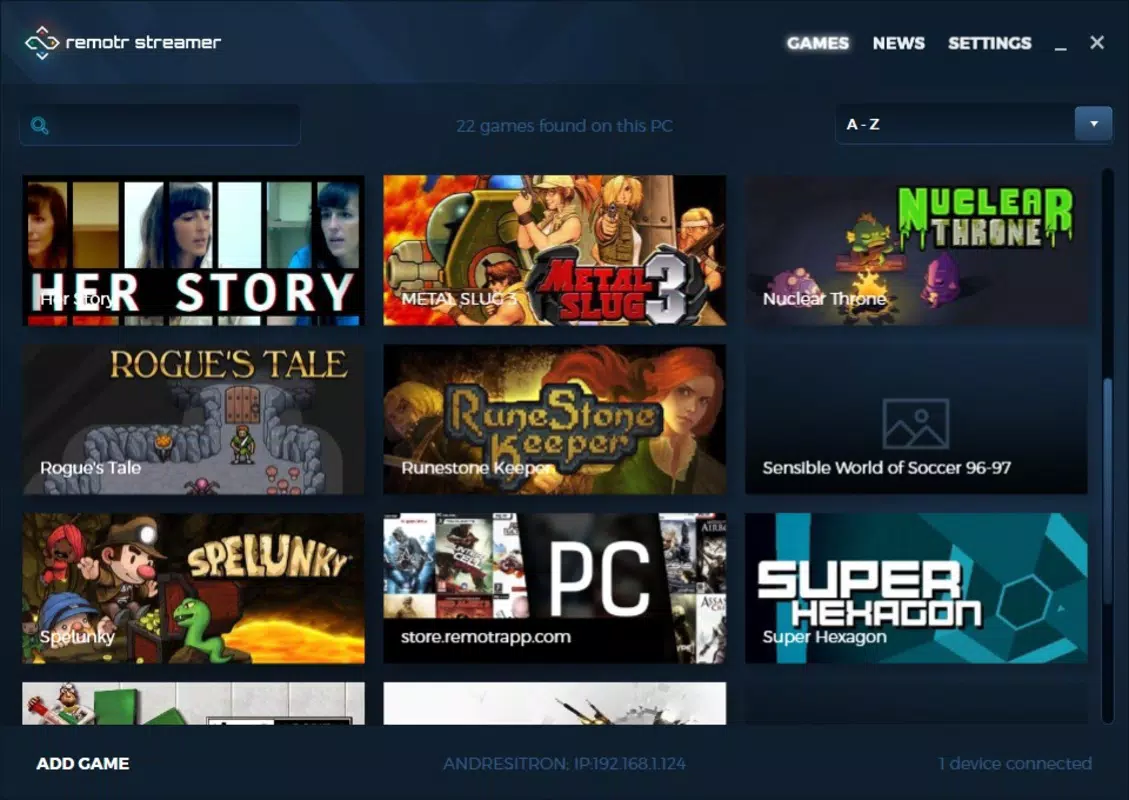
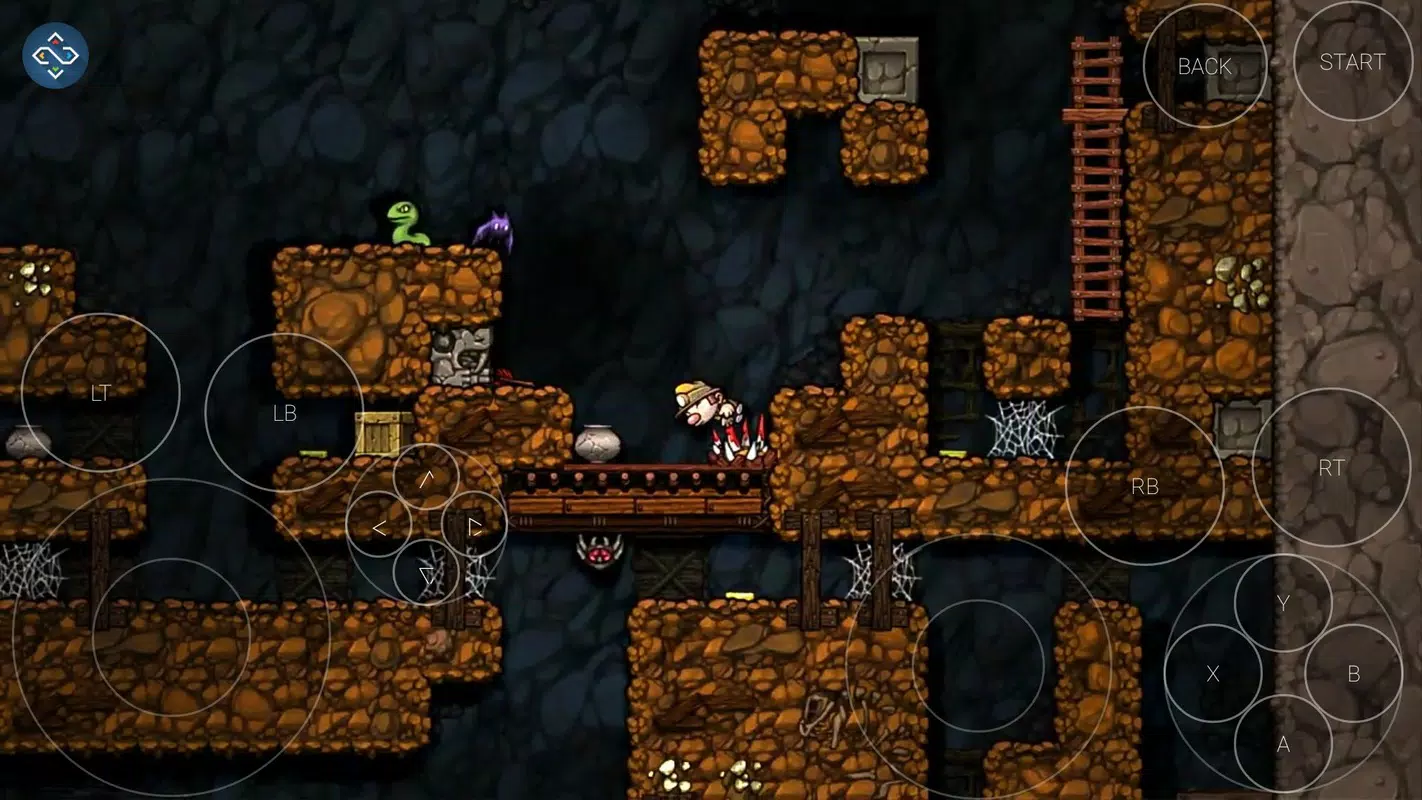
Remotr Streamer delivers a suite of features tailored to streamline the remote gaming experience. The first notable feature is its simple setup process. Users need only install the official app on their mobile device and ensure both the PC and mobile device are connected to the same Wi-Fi network. No additional configuration or complex port forwarding is required, making the initial connection accessible even for less technically inclined users. Another core functionality is automatic game detection. Upon launching the app on the PC, it scans the system for installed video games and lists them in the interface. This eliminates the need for manual input for most titles. For games not detected, users can manually add them via Windows Explorer, ensuring compatibility with a wide range of applications, including non-gaming software. The app supports seamless connection and streaming, indicated by a visual signal in the lower-right corner of the screen when a mobile device is connected. Selecting a game from the mobile interface launches it on the PC, allowing users to choose whether to play on the mobile device or the desktop. This dual-play capability enhances flexibility and user control. Customizable controller options are a standout feature. Users can switch between touch-based controls, mouse emulation, and Bluetooth controller integration. This adaptability ensures that players can tailor the control scheme to their preferences, whether they're playing fast-paced action games or precision-based titles. The companion app is essential for full functionality, as it cannot operate independently of the PC-side software.Real-World Use Cases
- Playing a PC game from a smartphone while lounging on the sofa, using the phone as both display and input device.
- Streaming a game from a home PC to a tablet during a commute, using a stable Wi-Fi connection at a public location.
- Using a mobile device as a secondary controller during multiplayer sessions, enabling split-screen gameplay.
- Running non-gaming applications like media players or productivity tools via remote streaming for enhanced multitasking.
Interface, UX & Performance
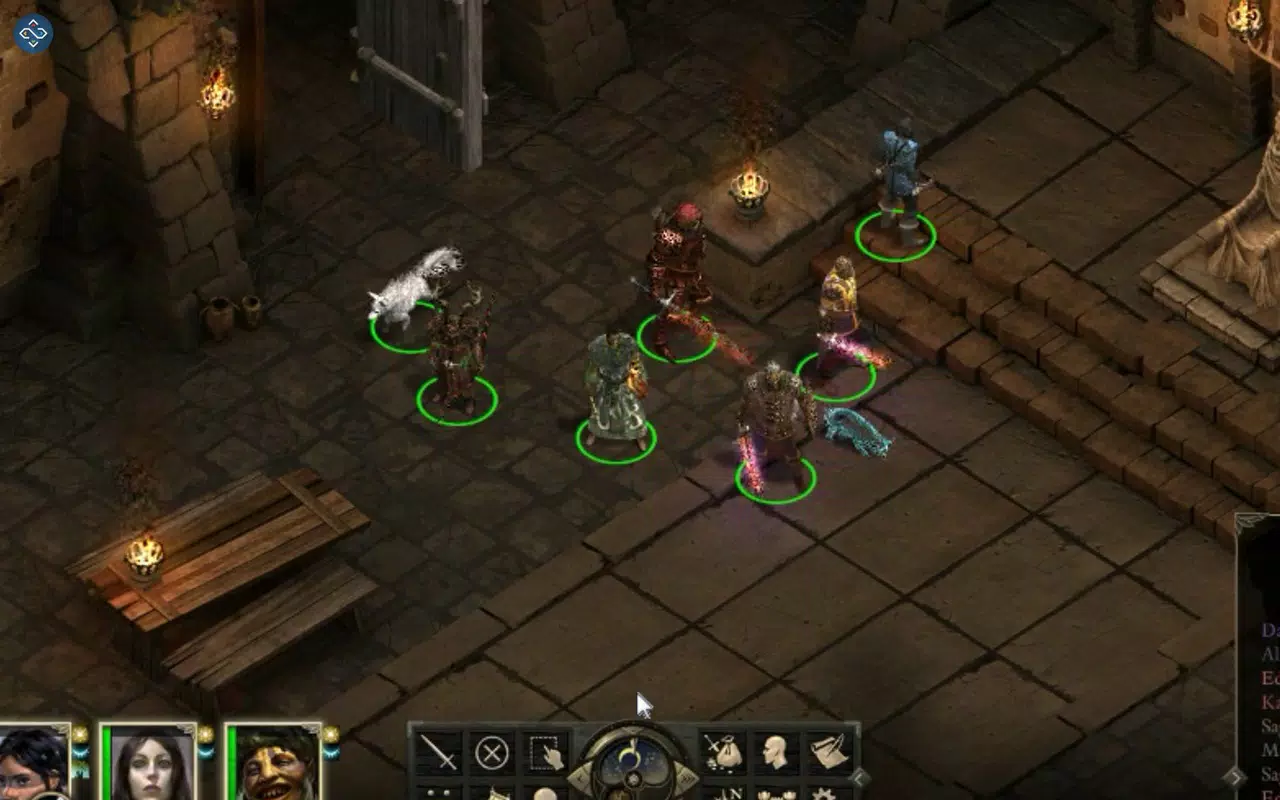
The user interface of Remotr Streamer is designed with simplicity and functionality in mind. The layout is clean and intuitive, with a central game library displayed in a scrollable grid. Game thumbnails, names, and status indicators are clearly visible, allowing users to quickly identify available titles. Navigation is straightforward, relying on touch gestures and minimal on-screen menus, which reduces cognitive load and enhances usability. Visual style leans toward a modern, minimalist aesthetic with neutral color schemes and legible typography. The interface adapts well to different screen sizes, ensuring consistent readability across Android, iOS, and Windows Phone devices. The responsiveness of the app is evident during gameplay, with minimal input lag reported in typical home network environments. Although the developer did not list formal performance metrics, the app appears to maintain stable streaming under normal conditions. Performance may vary depending on network quality, PC hardware, and game complexity. Users with high-speed Wi-Fi and powerful GPUs are likely to experience smoother frame rates and reduced latency. Stability is maintained across multiple sessions, with no reported crashes during standard use. The app’s interaction with the PC client is seamless, with instant game launch and connection confirmation. The mobile interface updates in real time, reflecting changes in game state or streaming status. Overall, the UX prioritizes speed, clarity, and control, making it suitable for both casual and dedicated gamers.Platform Compatibility & Technical Requirements
Remotr Streamer is available on Android, iOS, and Windows Phone platforms, offering broad accessibility across major mobile operating systems. The app’s current version is 1.0.0, with a file size of 12.5 MB, indicating a lightweight footprint that minimizes storage impact on mobile devices. The price is listed as free, making it accessible to a wide audience without financial barriers. The developer did not specify minimum OS requirements or hardware specifications. Compatibility information was not fully disclosed. The app’s functionality relies on a stable Wi-Fi connection between the mobile device and the host PC, but no formal network or bandwidth requirements were provided. Users should ensure their devices meet general standards for running modern mobile apps and streaming video content.Pros and Cons
- Simple setup with no complex configurations required
- Automatic detection of installed PC games
- Supports multiple mobile platforms: Android, iOS, and Windows Phone
- Customizable controller options including touch, mouse emulation, and Bluetooth
- Free to download and use
- Enables remote play from any device on the same local network
- Requires a PC with installed games and a stable Wi-Fi connection
- Performance may vary based on network quality and device capabilities
- No information on supported game types beyond PC titles
- Limited to local network streaming; no cloud-based or remote access functionality
- Compatibility details for specific devices were not provided


